
Test Viewer: Main Menu
Main screen of the Test Viewer application.
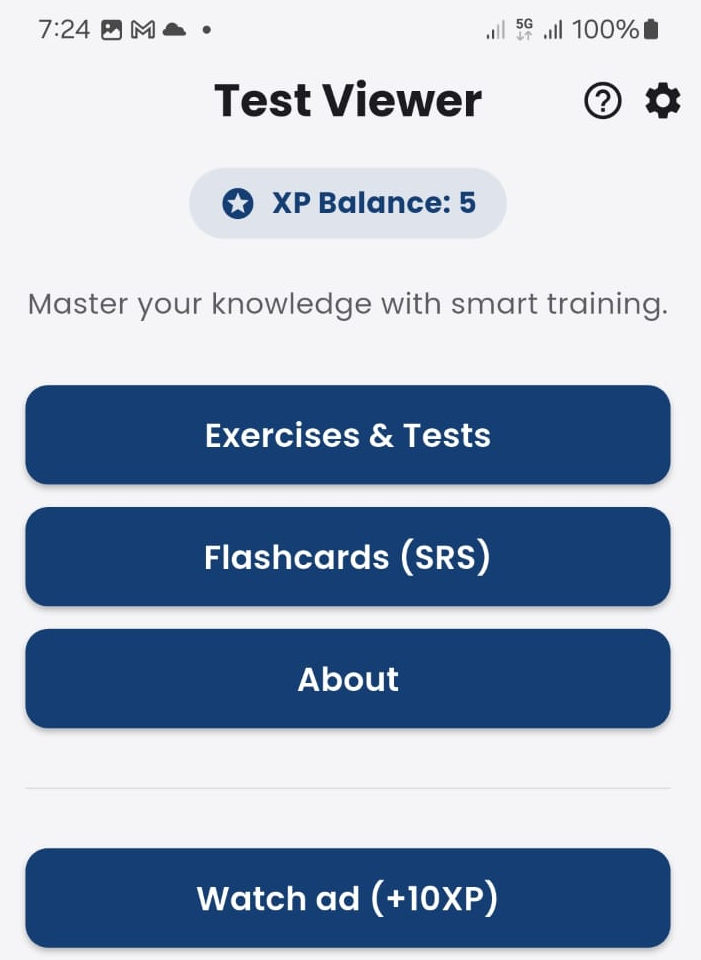
From the main screen, the student can access any section of the application: exercises and tests, flashcards, and about.
You can also earn XP points by watching video ads (to learn how XP points work, read “ad system”).
Tapping the question mark ”?” icon opens this tutorial.
Tapping the gear icon accesses the application settings section.