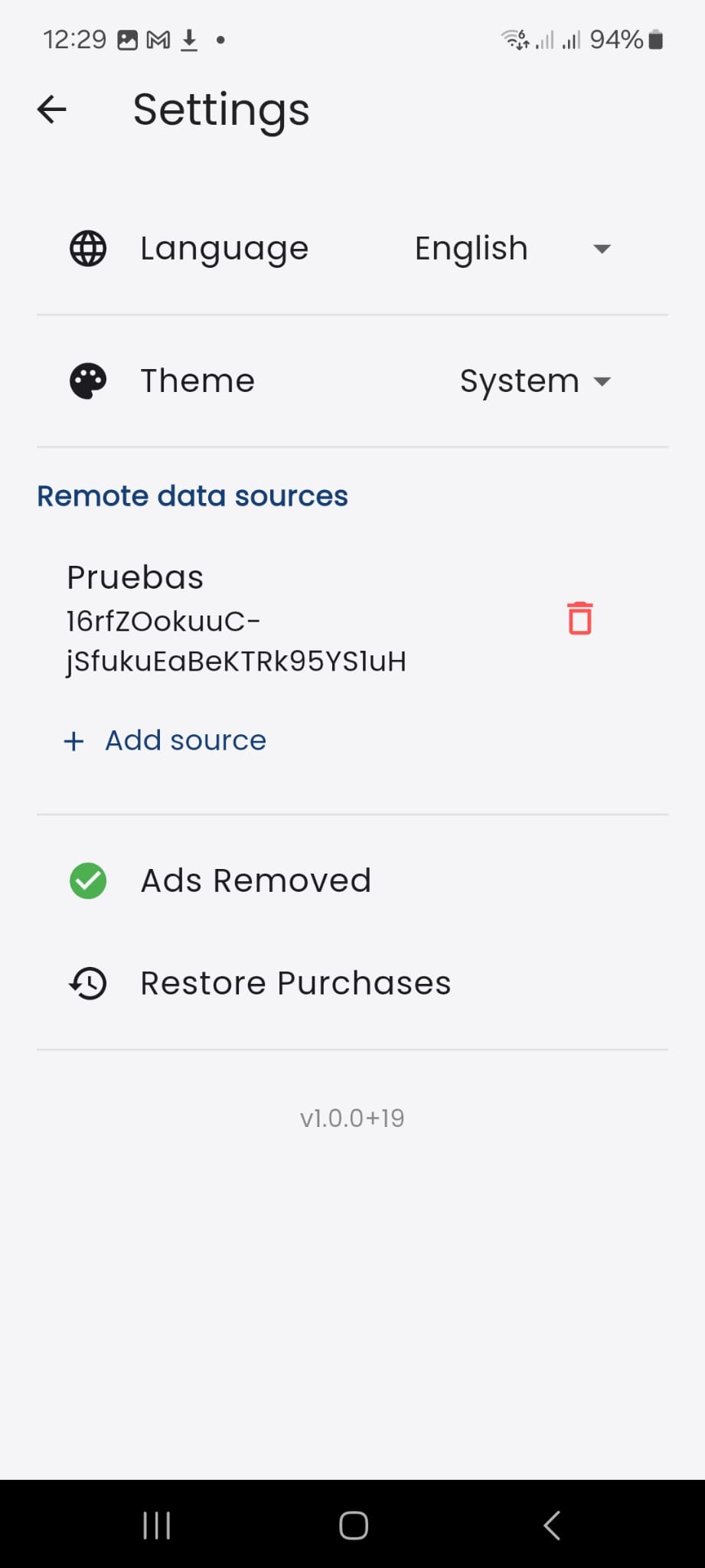
Test Viewer: Settings
Learn how to configure Test Viewer.
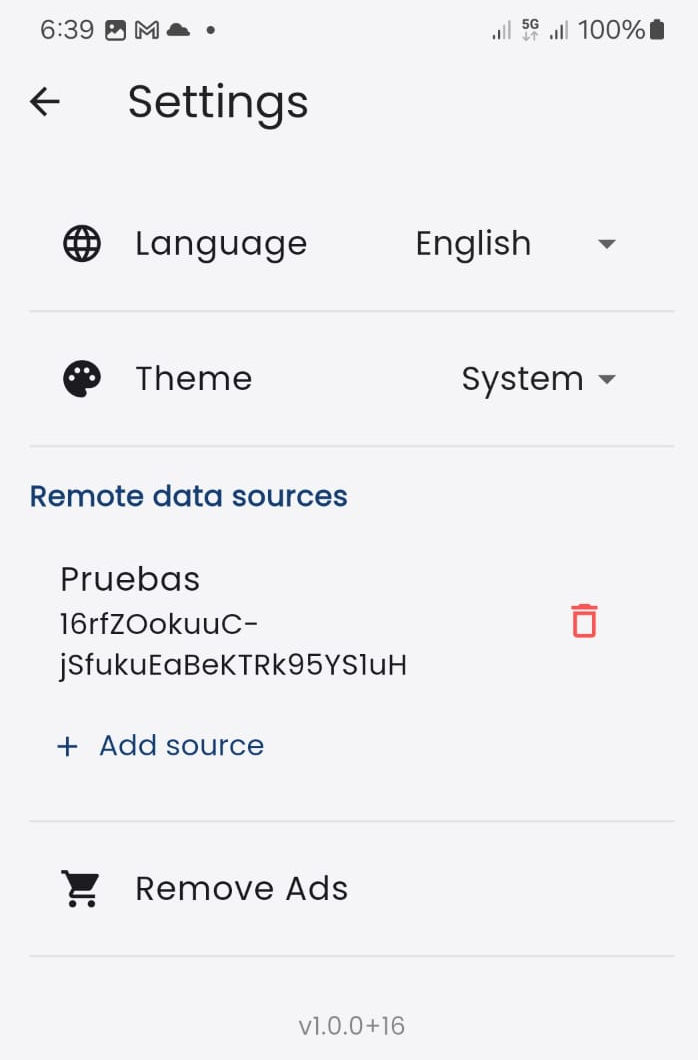 In this section, the student can choose the interface language among the following: (FR) French, (ES) Spanish, (EU) Basque, (CA) Catalan, (EN) English, (IT) Italian, (GL) Galician, and (PT) Portuguese. Choosing "System" will use the default language defined for the device.
The visual theme of the interface can be light or dark. Selecting “System”, the theme will adapt to the student’s global preference.
The student can remove advertisements from the application via an in-app purchase.
Configuring New Data Sources
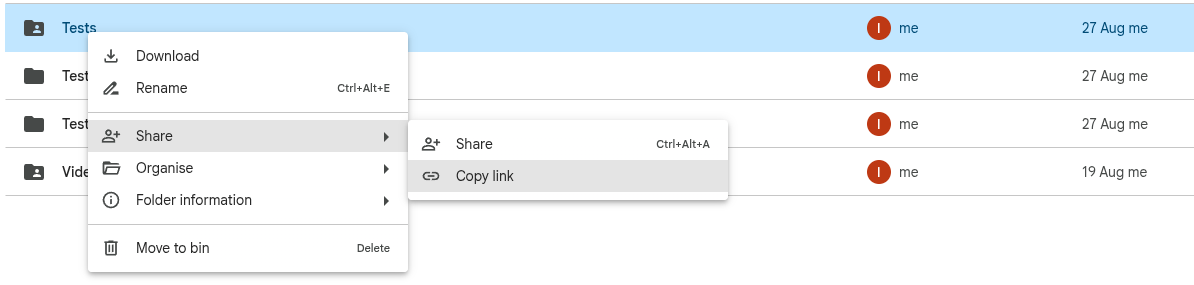 You can add as many data sources as you like. The supported data sources are public Google Drive folders. Configuration is straightforward: first, use the context menu of the Google Drive folder to copy the link (see the image above).
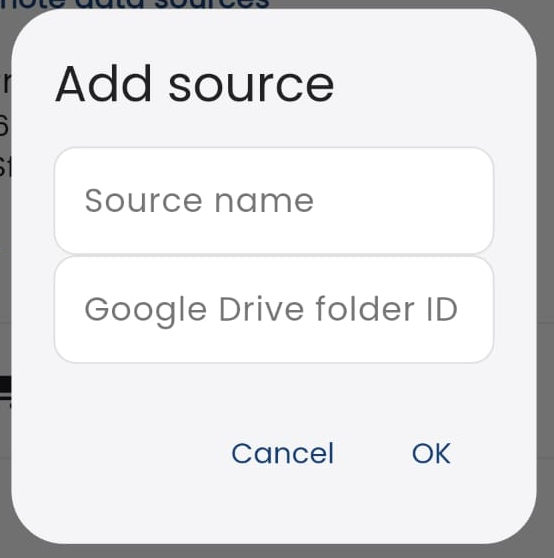
Then click on "Add source" in Test Viewer, and a new window will appear where you can give a name to the data source and paste the link copied in the previous step (Google Drive folder ID).
If the student makes the in-app purchase and removes the ads, the settings screen will reflect this and appear as shown below.