
Test Viewer: Exercise Types
Overview of the various exercise types available in Test Viewer.
Audiovisual Media
Any question can have associated audiovisual media. This content can be audio clips, pictures, or videos. The same media can be shared across multiple questions; in these cases, it appears under the title “Exercise context”. This shared media retains its playback position when navigating between questions so that students never lose track of what they are listening to or watching.
Exercise Types
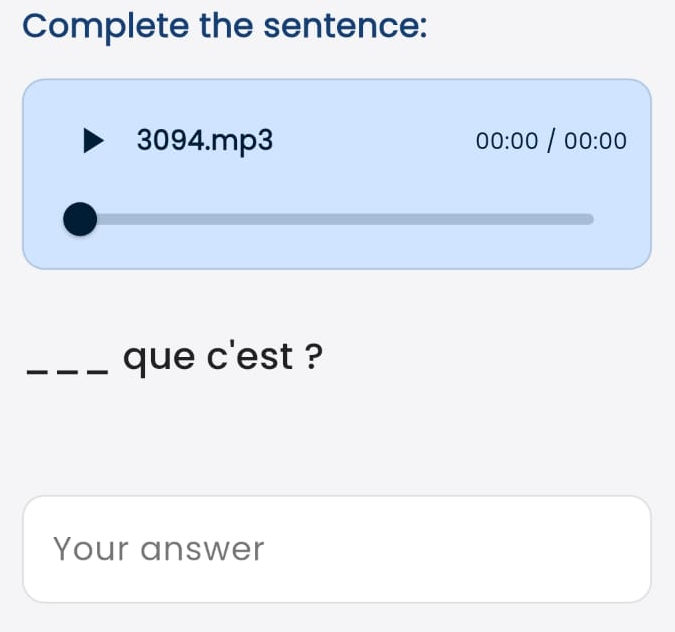 Fill in the Blank (Written)
In this type of question, the student must complete the sentence by typing the answer. These questions are very effective for testing vocabulary and spelling. The image shows a question accompanied by an audio track (écoute). There may be more than one blank to fill in.
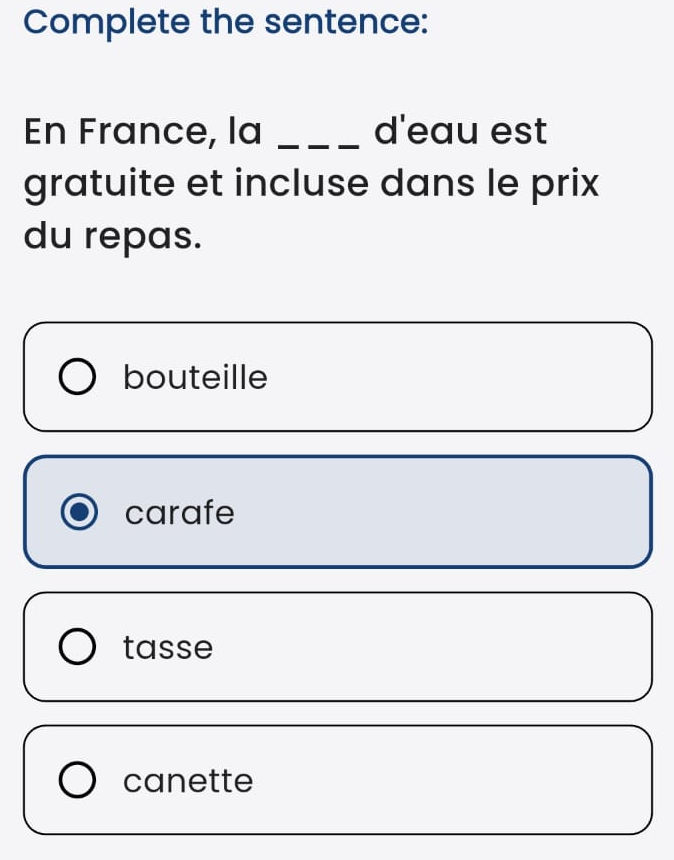
Fill in the Blank (Options)
In this type of question, the student completes the sentence by choosing from a set of provided options.
There may be more than one blank to complete.
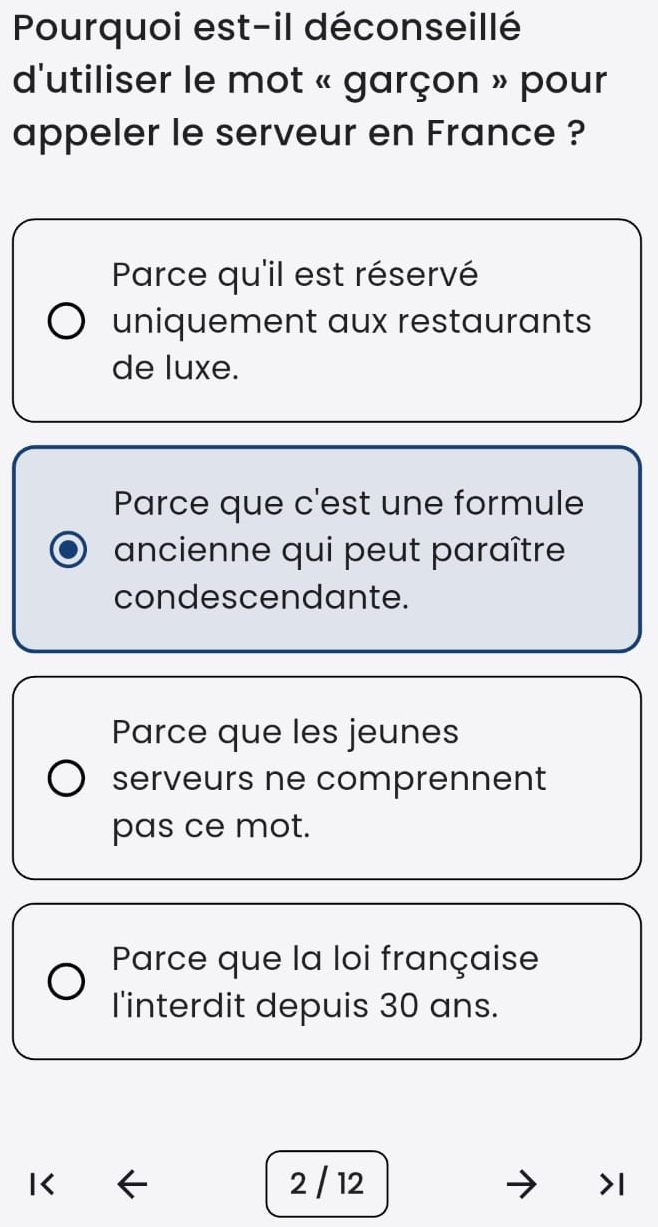
Multiple Choice
This question format is similar to the previous one but more general. A question is presented along with several options, only one of which is correct.
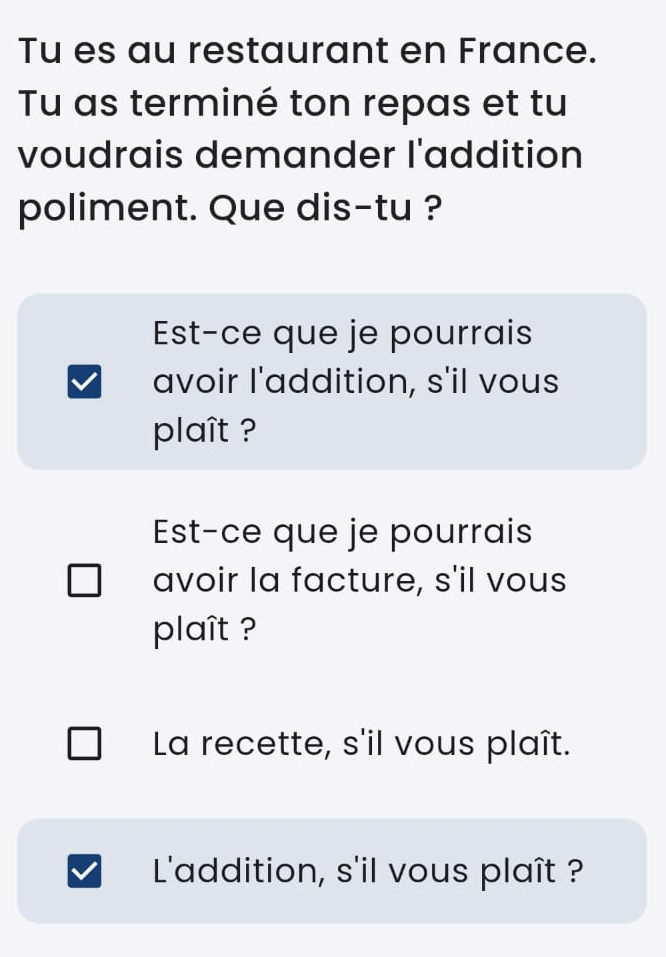
Multiple Response
In this case, more than one of the presented options—or none of them—may be correct.
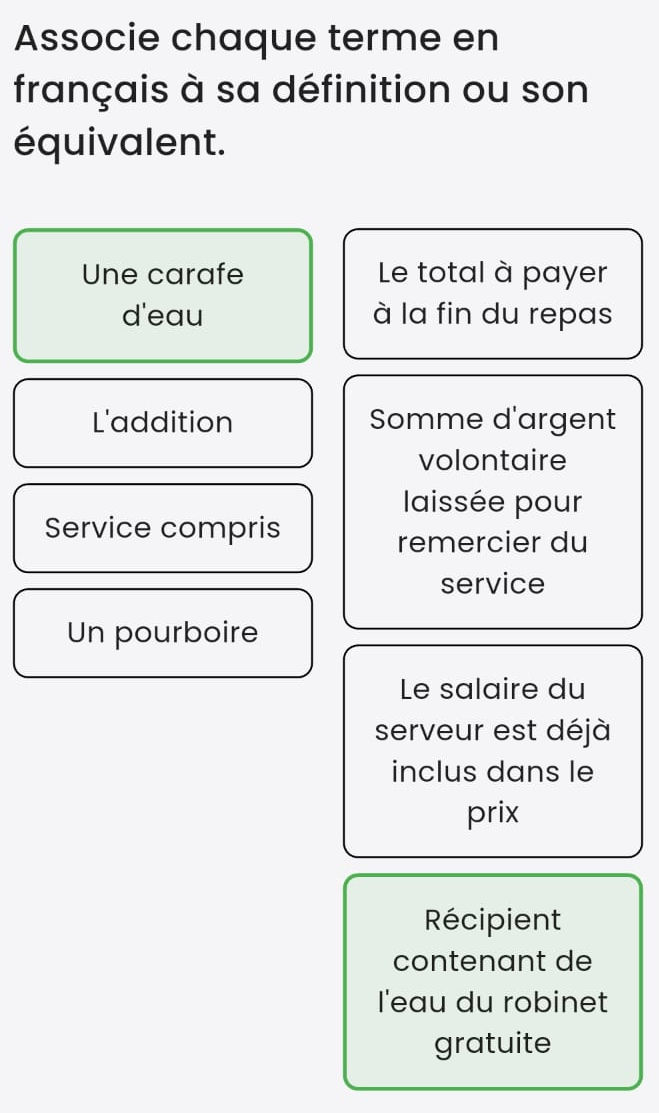
Match Columns
The student selects an item from the left column and then clicks the matching item in the right column. If the pairing is correct, both items light up in green. If incorrect, the exercise is blocked and cannot continue.
Repeat the process until all items in the left column have been paired.
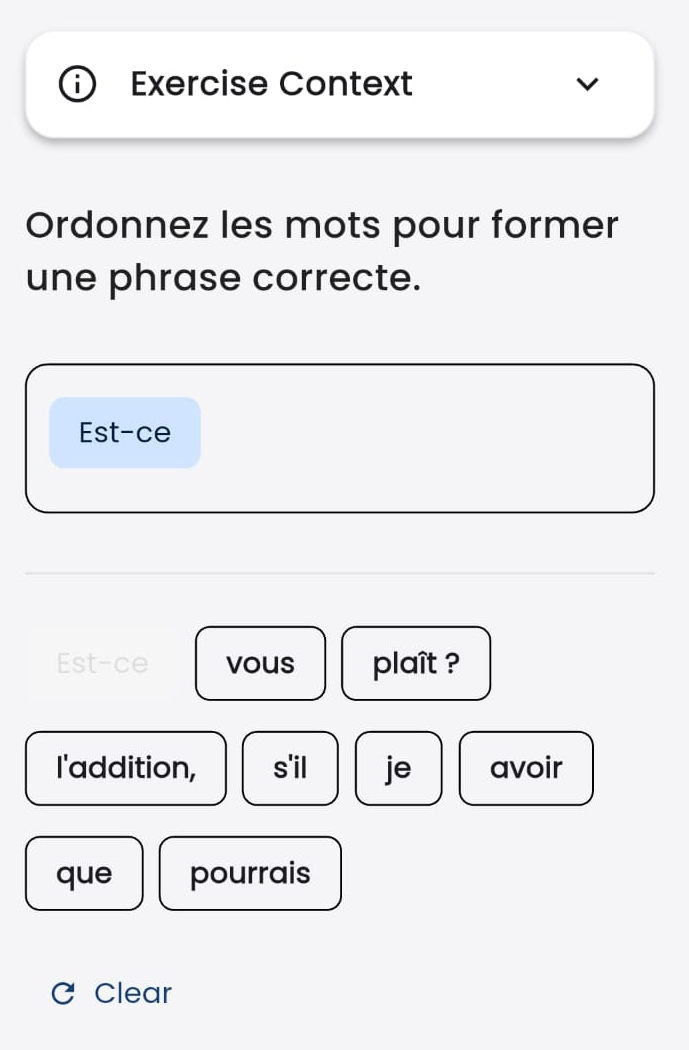
Ordering
The student must select the provided elements in the correct sequential order. If an element was placed by mistake, tapping it removes it from the answer.
The clear button clears all selected elements so you can start over.
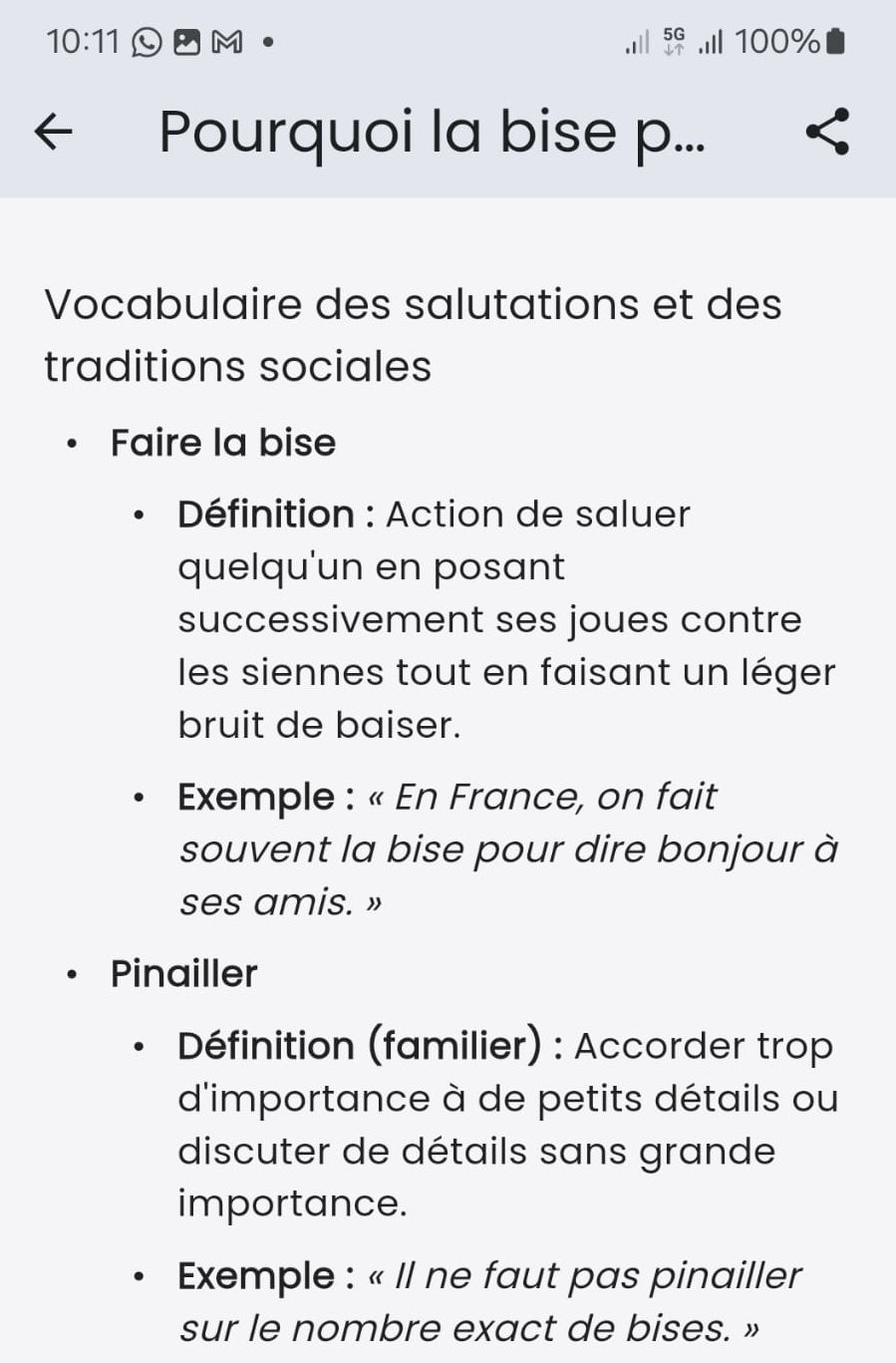
Information
This is an informational item that does not require an answer from the student.
It is used to provide supplementary material related to the questionnaire, such as audio transcripts, vocabulary summaries, grammar notes, etc.
Informational pages can be exported and shared in PDF format by clicking the button in the upper right corner of the screen.